 Left and Right Margins Do Not Match in the Bordered Printing
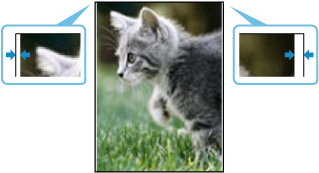

-
Check 1 Is the position of the Print head adjusted?
Adjusting the position of the Print head will improve the printing accuracy.
-
Check 2 Is the Adjust horizontal print position performed?
Adjusts the print position if the left and right margins are not uniform.
-
Check 3 Does the source file have margins?
Check that the printing image data does not have any objects like crop marks and transparent objects.
-
Check 4 Is a margin set in application software?
Check that no margins are configured in the application software you are using.
