Direct Connection (Windows XP)
(Appears in a new window)
-
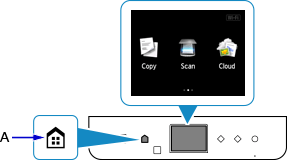
Press the HOME button (A) on the printer.
If an error screen is displayed, tap OK, then press the HOME button.
-
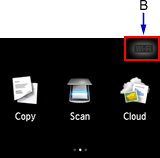
Tap the upper right (B) of the screen.
-
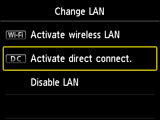
Tap Activate direct connect..
-
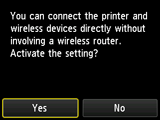
Tap Yes.
-
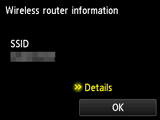
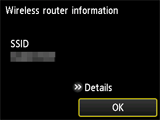
Check the SSID displayed in the printer screen.
-
Tap Details.
-
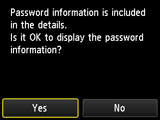
Tap Yes.
-
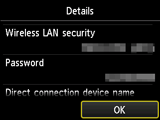
Check Password (network key), and then tap OK.
You will use the SSID and Password (network key) in the subsequent steps.
-
Tap OK.
-
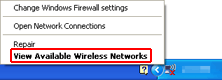
Right-click the Wireless Network Connection icon in the notification area of the taskbar on the computer, then select View Available Wireless Networks.
-
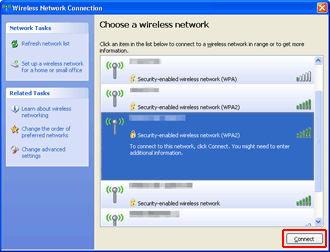
Select the network name (SSID) you want to use, then click Connect.
-
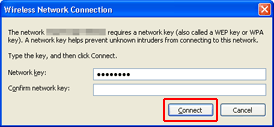
Enter the Password (Network key), then click Connect.
-
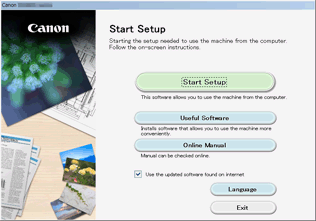
When connection is complete, click Back until the screen below appears.
Proceed with the setup.