Smoothing
Makes arc drawing smoother.
This item is displayed when Menu then Function Settings > Printer > Printer Settings > HP-GL/2 Settings > Line & Pen Manager is selected in the Home screen.
-
Software
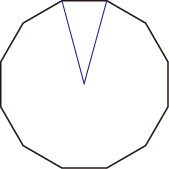
Draws arcs using HP-GL/2 data settings.
Default value of the central angle of an arc in HP-GL/2 is 5° (Regular 72-sided polygon) if the angle is not specified using a HP-GL/2 command.
-
Smoothing
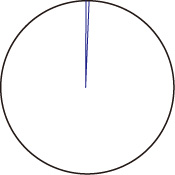
Draws curves that are smoother than arcs with a central angle of 1°.
SMOOTHING EXAMPLES
-
When Software is selected:
-
When Smoothing is selected: