Save paper
When printing on roll paper, eliminates blank space (margins) above and/or below the image (if there is any) to conserve paper.
This item is displayed when Menu then Function Settings > Printer > Printer Settings > HP-GL/2 Settings > Paper Settings is selected in the Home screen.
-
Off
Paper is not conserved.
-
On
Blank space above and below the image is eliminated when printing.
CONSERVE PAPER SETTING EXAMPLES
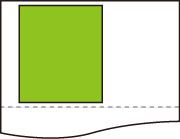
Print data (image drawing range)
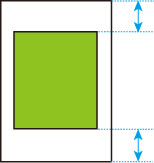
-
When Off is selected:
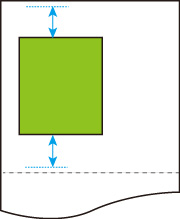
-
When On is selected: