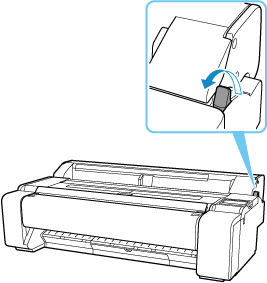
Removing Sheets
Remove sheets from the printer as follows.
-
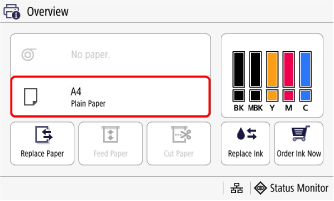
In the Home screen or Overview screen, select the sheet paper setting display area.
-
Select Remove Paper.
-
Check the contents of the message and select Yes.
The paper is ejected from the front of the printer.
-
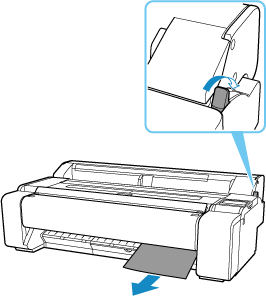
Holding the paper, push the release lever back and remove the sheet.
-
Pull the release lever forward.