Canceling Printing/Copying/Scanning
While a job is being received or is in progress, you can cancel the job in the touch screen by selecting Cancel.
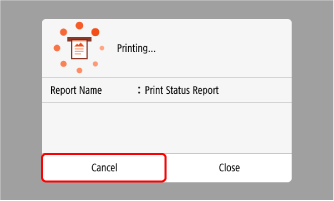
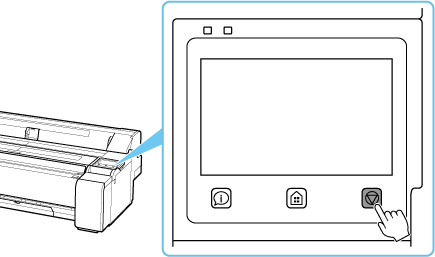
If the above screen is not displayed, press the Stop button on the operation panel and follow the displayed instructions to cancel the job.