Download Files from Cloud Storage
You can download files from cloud storage by following these steps.
-
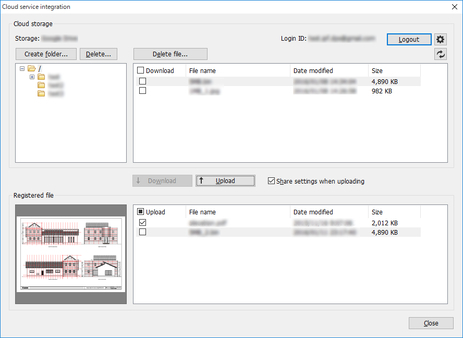
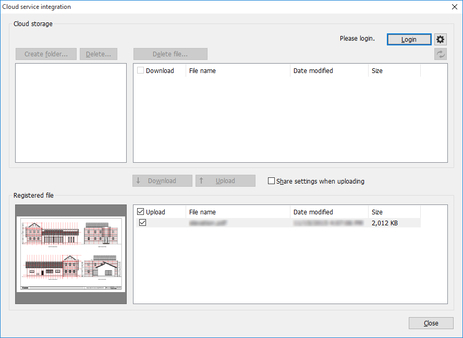
Log into the cloud service. (See "Log into the Cloud Service")
-
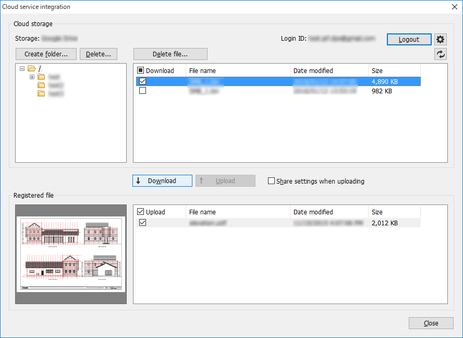
Turn on the Download check box for the file you want to download from Cloud storage.
 Note
Note-
You can select multiple files.
-
-
Click the Download button.
The Download dialog box will be displayed and your downloads will begin.
When downloading completes, the files you downloaded will be added to the Registered file list.