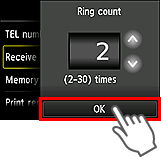
Set the mode to DRPD, then set the fax ring pattern and the number of times to ring the telephone connected to the printer.
- Contact your local telephone company for detailed information on this service.
-
Press the
 button on the printer, then tap FAX.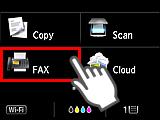
-
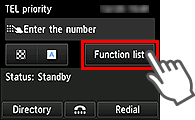
Tap Function list.
-
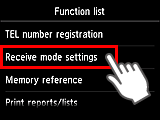
Tap Receive mode settings.
-
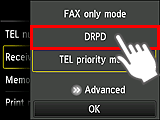
Tap DRPD.
-
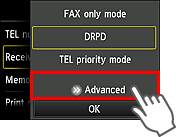
Tap Advanced.
-
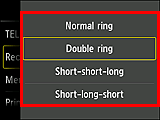
Tap the ring pattern that your telephone company assigned to your fax number.
-
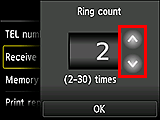
Set the number of times to ring the telephone.
-
Tap OK.