Make a line connection.
-
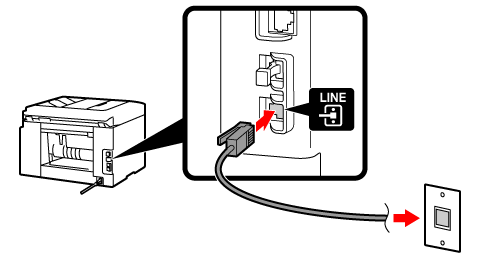
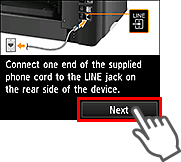
Connect the supplied phone cord to the printer's jack (labeled
 on the back).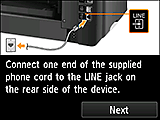
-
Tap Next.
-
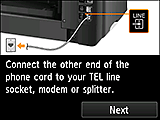
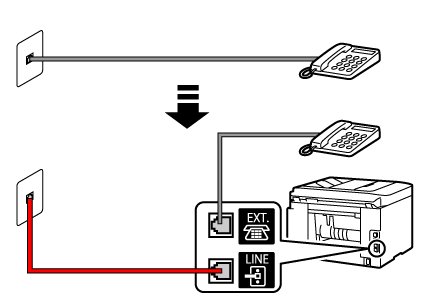
Connect the other end of the phone cord to the phone line.
<Connection example>
-
Tap Next.
-
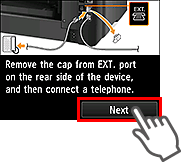
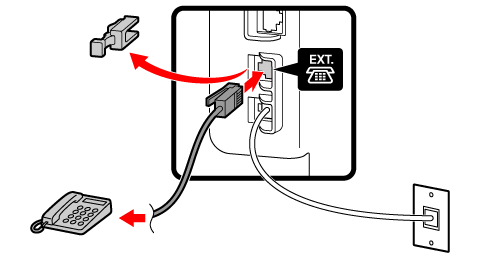
Remove the cap from the printer's jack (labeled
 on the back), then connect the printer to a telephone with the phone cord.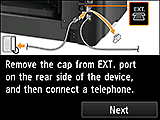
-
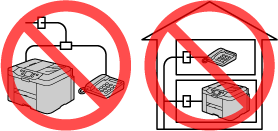
If you have only one phone number, the phone and fax machine cannot be plugged into different wall jacks.
-
-
Tap Next.