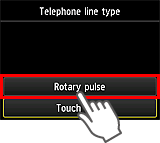
Nastavenie typu telefónnej linky tlačiarne na pulznú voľbu.
-
Stlačte tlačidlo
 na tlačiarni, rýchlo pohnite prstom po obrazovke doľava a ťuknite na tlačidlo Nastavenie (Setup).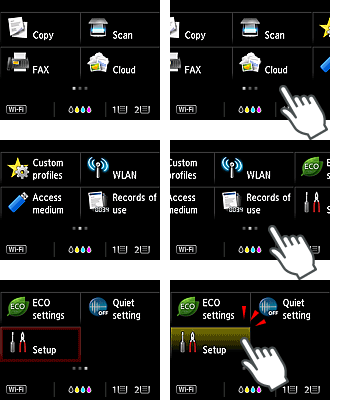
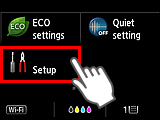
-
Ťuknite na položku Nastavenia zariadenia (Device settings).
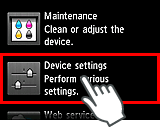
-
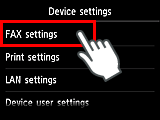
Ťuknite na tlačidlo Nastavenia faxu (FAX settings).
-
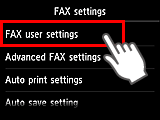
Ťuknite na tlačidlo Používateľské nastavenia faxu (FAX user settings).
-
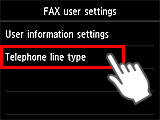
Ťuknite na tlačidlo Typ telefónnej linky (Telephone line type).
-
Ťuknite na tlačidlo Rotačná pulzná (Rotary pulse).