


Set the sender information.
The name and fax/phone number registered in User information settings will be printed as the sender information together with the date and time on the recording paper of the receiver.
- A fax without such sender information can be rejected depending on the receiver machine settings. Registration of the user information is recommended.
-
Press the
 button on the printer, then flick the screen left, and then tap Setup.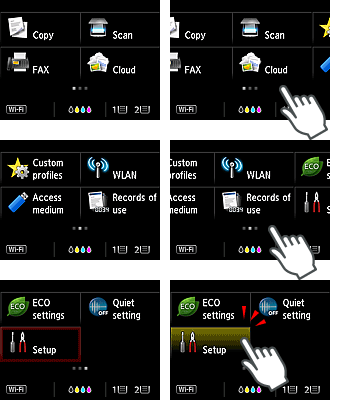
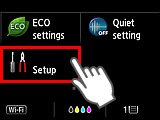
-
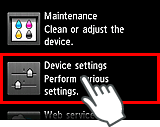
Tap Device settings.
-
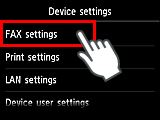
Tap FAX settings.
-
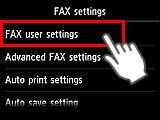
Tap FAX user settings.
-
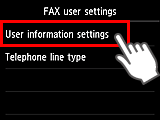
Tap User information settings.
-
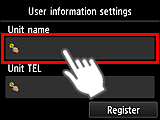
Tap Unit name.
-
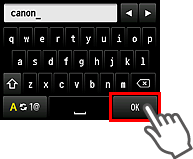
Use the on-screen keyboard to enter the Unit name, then tap OK.
-
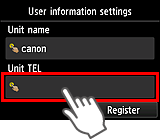
Tap Unit TEL.
-
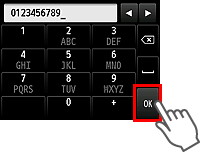
Use the on-screen keyboard to enter the telephone number, then tap OK.
-
Check the entered details, then tap Register.
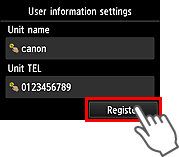
The sender information settings are completed. Go to the next page.


