Troubleshooting
"Easy setup" Does Not Start
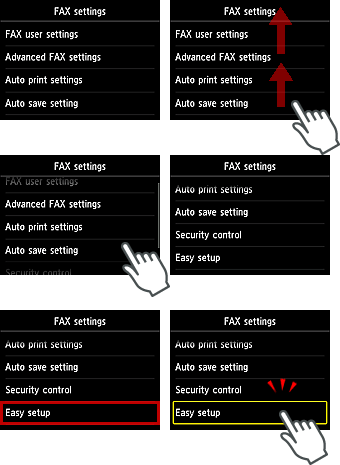
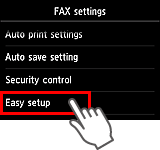
Start "Easy setup" from the FAX settings menu.
-
Press the
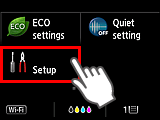
 button on the printer, then flick the screen left, and then tap Setup.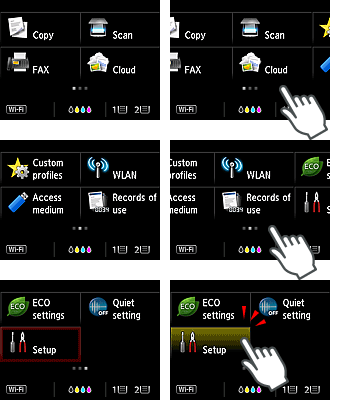
-
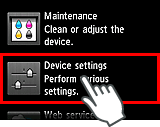
Tap Device settings.
-
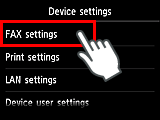
Tap FAX settings.
-
Flick the screen up, then tap Easy setup.