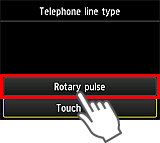
Set the printer's telephone line type to pulse dialing.
-
Press the
 button on the printer, then flick the screen left, and then tap Setup.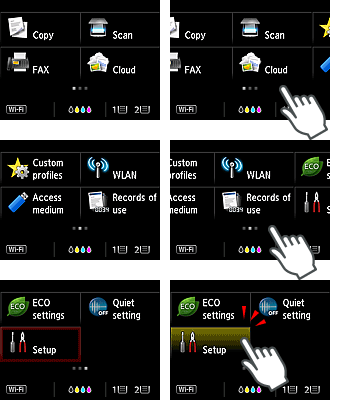
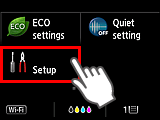
-
Tap Device settings.
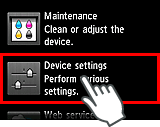
-
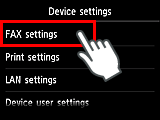
Tap FAX settings.
-
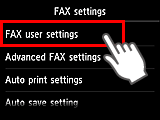
Tap FAX user settings.
-
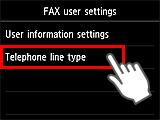
Tap Telephone line type.
-
Tap Rotary pulse.