Troubleshooting: If Easy setup Does Not Start
Start Easy setup from Fax settings menu.
-
Press the
 HOME button on the printer.
 -
Use the

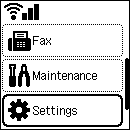
 buttons to select Settings.
 -
Press the OK button.
-
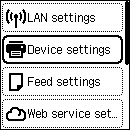
Select Device settings, and then press the OK button.
-
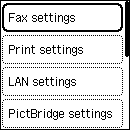
Make sure Fax settings is selected, and then press the OK button.
-
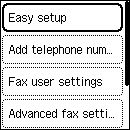
Make sure Easy setup is selected, and then press the OK button.