Make settings to check if each call is a fax or not then receive faxes by using the printer panel.
-
Press the
 button on the printer.
 -
Press the
 button.
 -
Use the

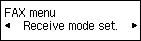
 buttons to select Receive mode set.
 -
Press the OK button.
-
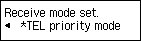
Make sure that TEL priority mode is selected, then press the OK button.
-
Make sure that Yes is selected, then press the OK button.

-
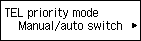
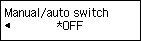
Make sure that Manual/auto switch is selected, then press the OK button.
-
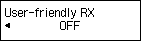
Make sure that OFF is selected, then press the OK button.
-
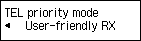
Make sure that User-friendly RX is selected, then press the OK button.
-
Select OFF, then press the OK button.