
Wired Connection
Follow the procedure below to set up a printer.
Before Starting Wired Connection Setup
-
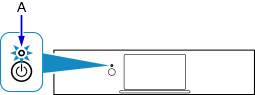
Make sure the printer is turned on.
If the power is on, the ON lamp (A) will be lit.
(Appears in a new window)
If printer is performing cleaning, print head alignment, or other processes
Wait for the process to finish, before starting setup.
-
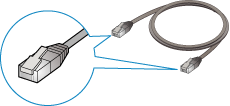
You will need an Ethernet cable (sold separately).
-
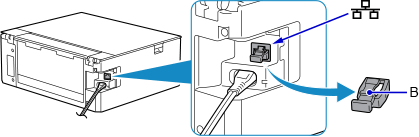
Remove the Cap (B) from the port located on the left side at the back of the printer.
-
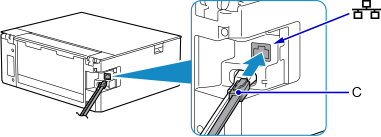
Connect the printer and a network device (router, etc.) with an Ethernet cable (C).
Do not connect to any other port.
-
If
 is displayed on the left side of the screen, tap .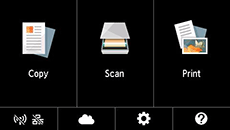
-
Tap
 (D).
(D).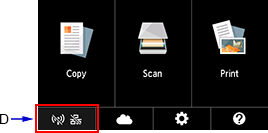
-
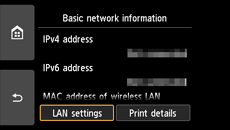
Tap LAN settings.
-
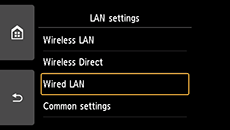
Tap Wired LAN.
-
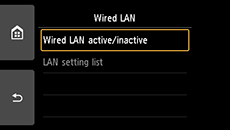
Tap Wired LAN active/inactive.
-
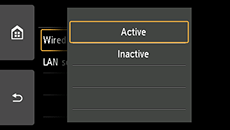
Tap Active.
-
Tap
on the left side of the screen.When connection is complete,
 appears at the bottom left of the screen.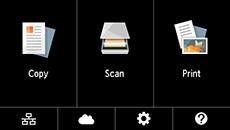
The network connection setup is now complete.

