
Advanced setup Connection -WEP-
-
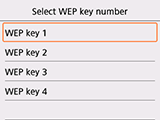
Select WEP key number to use and press the OK button.
-
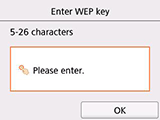
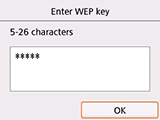
Select the input area and press the OK button.
-
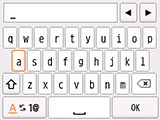
Enter the WEP key. Text entry is case-sensitive.
If you don't know the WEP key for your wireless router, see the wireless router manual or contact its manufacturer.
(Appears in a new window)
-
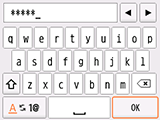
Select OK.
-
Press the OK button on the printer.
-
Select OK.
-
Press the OK button on the printer.
-
When the screen on the below appears, press the OK button.
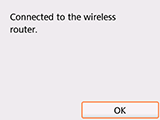
If a different screen appears, see "Troubleshooting."
-
Press the HOME button.
When connection is complete,
 appears at the bottom left of the screen.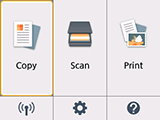
The network connection setup is now complete.

