
WPS (PIN Code) Connection
-
Load three or more sheets of A4 or Letter size plain paper.
-
Press and hold
 (Paper Select) on the printer.
The Network Configuration Page including a PIN code will be printed.

-
Press and hold
 (Stop), and then release it after
  (Alarm lamp) flashes 13 times.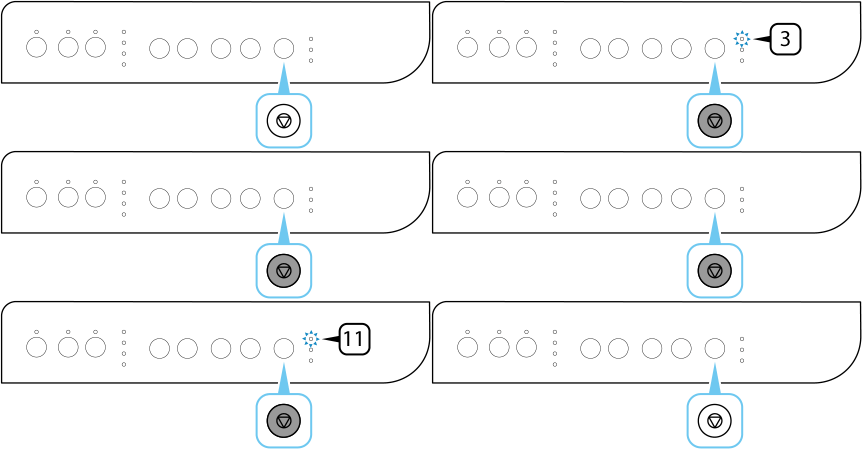
-
Connect to the wireless router from the Web browser or the application software.
Follow the on-screen instructions to set the WPS PIN CODE on the printed Network Configuration Page to the wireless router.Once connection to the wireless router is complete, the Wireless select lamp lights up.
If
(Alarm lamp) lights up, see Troubleshooting. -
Connect your computer or smartphone to the printer using the app.
