Wi-Fi Connection
-
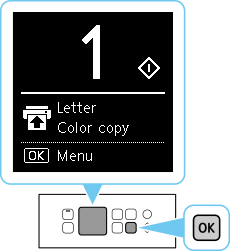
Press the OK button.
-
Use the
 or
or  button (A) to select LAN settings and press the OK button.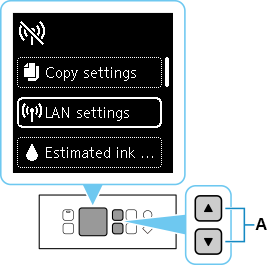
-
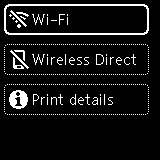
Select Wi-Fi and press the OK button.
-
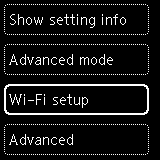
Select Wi-Fi setup and press the OK button.

Press the OK button.
Use the or button (A) to select LAN settings and press the OK button.
Select Wi-Fi and press the OK button.
Select Wi-Fi setup and press the OK button.
© CANON INC. 2020


