Manual connect
-
On the HOME screen, select the Network icon.
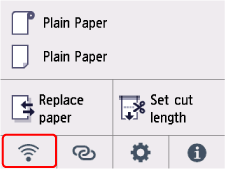
Depending on the current LAN status, the icon displayed on the button may differ.
-
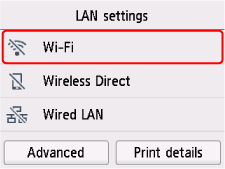
Select Wi-Fi.
-
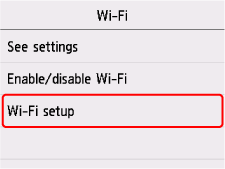
Select Wi-Fi setup.
On the HOME screen, select the Network icon.
Depending on the current LAN status, the icon displayed on the button may differ.
Select Wi-Fi.
Select Wi-Fi setup.
© CANON INC. 2025

