Easy wireless connect
-
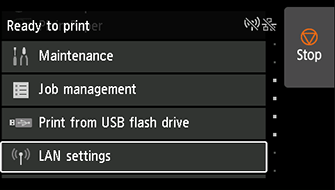
Flick the screen up or down, then tap LAN settings.
-
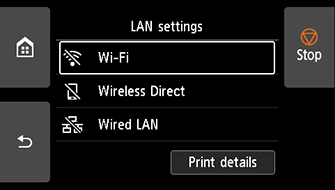
Tap Wi-Fi.
-
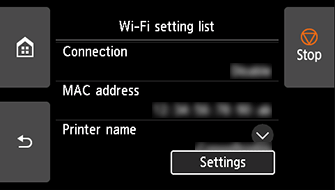
Tap Settings.
-
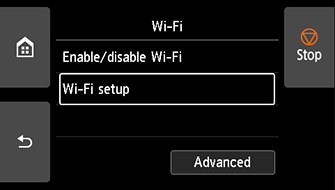
Tap Wi-Fi setup.
-
Tap Easy wireless connect.
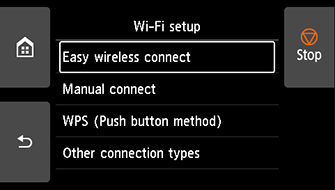
-
Tap OK.
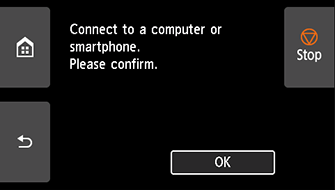
-
When the printer preparation is complete, the screen below appears.
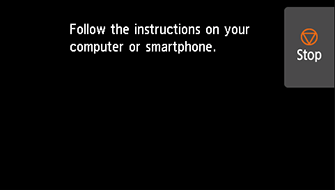
-
Return to the application software and proceed with the setup.
Windows
Click
 in the taskbar, follow the on-screen instructions to proceed with setup.
macOS
Click
 in the Dock, follow the on-screen instructions to proceed with setup.