Easy wireless connect
 Important
- If a device is connected to the Internet via a wireless router, and you then connect it to a printer in Wireless Direct mode, the existing connection between the device and wireless router will be disabled. In that case, the connection of the device may switch to a mobile data connection automatically depending on your device. When you connect to the Internet using a mobile data connection, charges may apply depending on your contract.
-
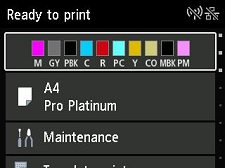
Press the HOME button to display the HOME screen.
 Note
Note- If an error screen is displayed, press the OK button, and then press the HOME button.
-
Select
 LAN settings on the HOME screen.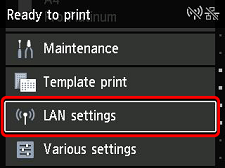
-
Select Wi-Fi.
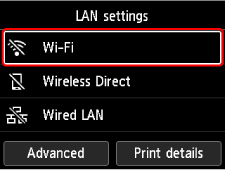
-
Select Wi-Fi setup.
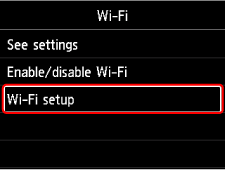
-
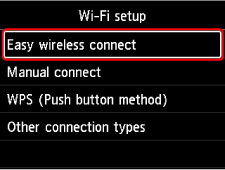
Select Easy wireless connect.
-
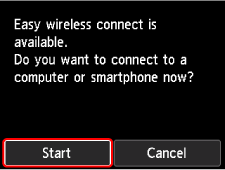
Select Start.
-
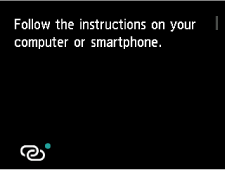
When the printer preparation is complete, the screen below appears.
-
Return to the application software and proceed with the setup.
