
Cableless setup
(Appears in a new window)
-
Hold down the Wi-Fi button (A) on the printer until the POWER lamp (B) flashes 2 times, then release the Wi-Fi button after the second flash.

-
Make sure that the Wi-Fi lamp (C) flashes quickly and the POWER lamp is lit.

-
Return to the application screen and proceed with the setup.
Android
-
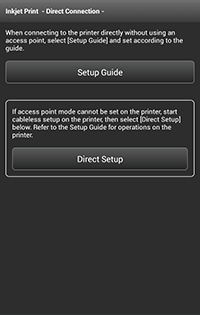
Tap Direct Setup in the application screen.
The printer and your device will be connected automatically.
iOS
-
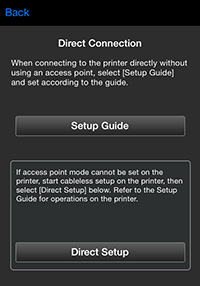
Tap Direct Setup in the application screen.
-
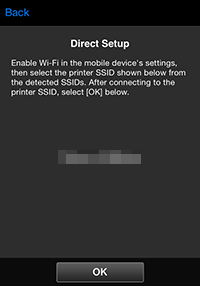
Check the network name (SSID) displayed in the application screen, then select the network name (SSID) in Wi-Fi settings on your device.
-
Tap OK.
-
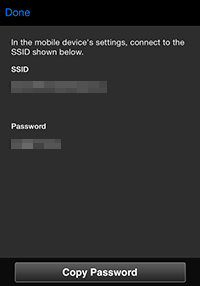
Tap Copy Password to copy the password (network key).
-
In Wi-Fi settings on your device, paste the copied password (network key) to connect to the printer.
