
Connection Using WPS (PIN code)
-
Select WPS.
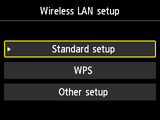

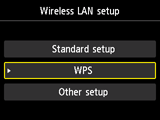
-
Press the OK button.
-
Select PIN code method.
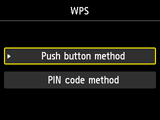
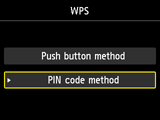
-
Press the OK button.
-
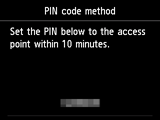
Enter the PIN code shown on the printer's LCD to the access point within 10 minutes.
-
When the screen below appears, press the OK button.
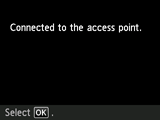
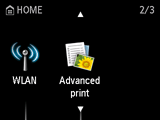
If another screen appears, refer to "Troubleshooting."
The network connection setup is now complete.
