Advanced setup Connection
-
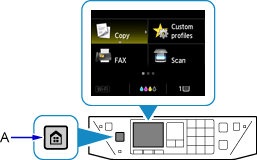
Press the HOME button (A).
-
Use the


 buttons (B) to select LAN settings, then press the OK button.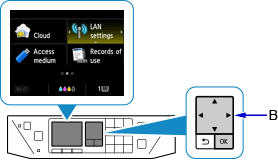
-
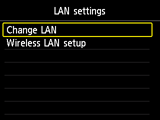
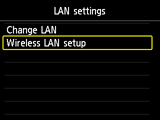
Select Wireless LAN setup and press the OK button.


Press the HOME button (A).
Use the buttons (B) to select LAN settings, then press the OK button.
Select Wireless LAN setup and press the OK button.
© Canon Inc. 2016

