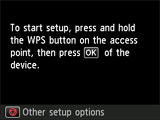
Connection via Standard setup
-
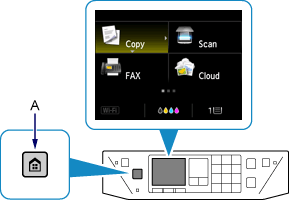
Press the HOME button (A).
-
Use the


 buttons (B) to select WLAN, then press the OK button.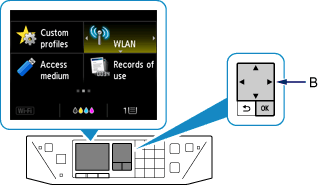
-
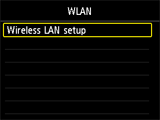
Select Wireless LAN setup, then press the OK button.
The printer will automatically search for compatible access points.
When the screen below appears, press the Stop button.