
Wi-Fi Connection
 Important
- If printer is performing cleaning, print head alignment, or other processes, wait for the process to finish, before starting setup.
 Note
Note
-
Refer to the following notes when connecting to Wi-Fi.
-
If
 is displayed on the left side of the screen, tap to display the HOME screen.
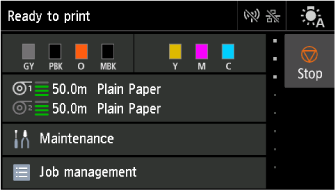 Note
Note- If an error screen appears, select OK, and then tap .
- If an error screen appears, select OK, and then tap
-
Select
 LAN settings on HOME screen.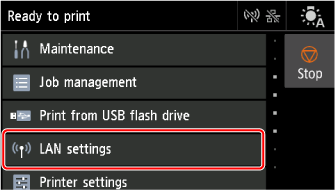
-
Select Wi-Fi.
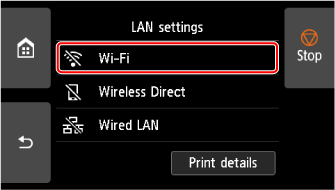
-
Select Settings.
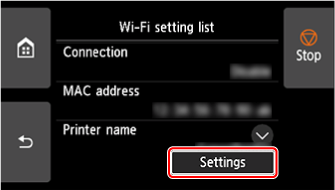
-
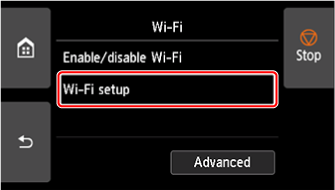
Select Wi-Fi setup.
-
Select a connection method below.
