Connection without Using a Wireless Router
-
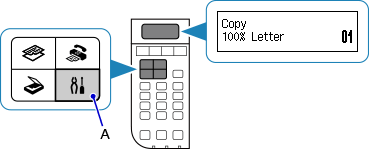
Press the Setup button (A) on the printer.
-
Use the
 or
or  button (B) to select Wireless LAN setup, then press the OK button.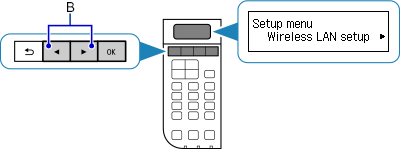
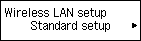
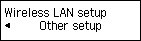
When the screen below appears, press the Stop button.

-
Select Other setup, then press the OK button.

-
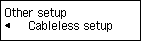
Select Cableless setup, then press the OK button.

-
Return to the application screen and proceed with the setup.