Disable Notifications for 2110 Error
Cause
An incompatible print setting combination has been specified for the paper loaded in the cassette.
What to Do
To disable the function to detect paper setting mismatch, follow the steps below.
-
Use printer's

 buttons to scroll printer's HOME screen and select Settings, and press OK button.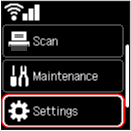
-
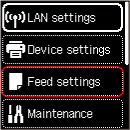
Select Feed settings and press OK button.
-
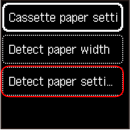
Select Detect paper setting mismatch and press OK button.
-
Select AirPrint or Other and press OK button.

-
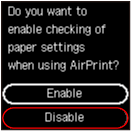
Select Disable and press OK button.