Load Paper Specified in Print Settings (2110)
Cause
An incompatible print setting combination has been specified for the paper loaded in the cassette.
What to Do
To replace the paper in the cassette with paper suitable for the print settings and continue printing/copying, follow the steps below.
-
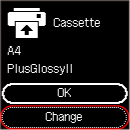
Check print settings, and press printer's OK button.
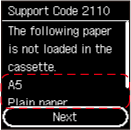
-
Select Replace paper with printer's

 buttons and press OK button.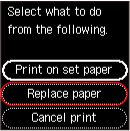
-
Load paper specified in print settings into cassette.
-
Register paper information (paper size and media type) in printer.
Select Change with the printer's
buttons and press the OK button, and then register the paper information (paper size and media type) of the paper loaded in the cassette to the printer correctly.