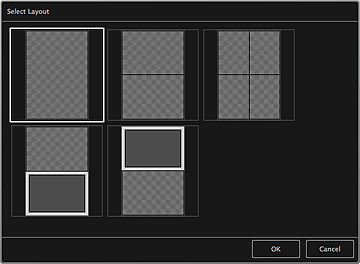
You can change the layout of your item.
Click the page you want to change from the Page Thumbnails area of the My Art view, then click Layout at the bottom of the screen to display the Select Layout dialog.
 Important
Layout may not be clicked depending on the type and theme of your item.
 Note
NoteThe number and types of layouts displayed may vary depending on the item and selected theme.
Page top |