Saving Scanned Images to Your Smartphone
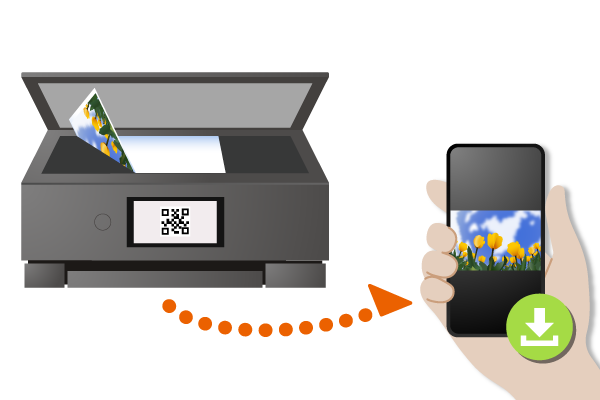
You can save documents, photos, etc. scanned from your printer to your smartphone.
 Recommended Use
- Want to save scanned data to a smartphone rather than to a rarely used computer.
- Want to save scanned data to a smartphone without using an app.
Items Required (Materials, Tools)
- The document or image you want to scan
- A smartphone or tablet that can scan QR codes
This function is not supported depending on your model.
 Procedure
Note: The following descriptions are based on TS8800 series. The screens vary depending on the printer.
-
STEP
1From the printer's home screen, select Scan.
-
STEP
2Select Save to smartphone and press the Start button.
-
STEP
3Scan the QR code with the smartphone or tablet to which you want to save data.
 Complete!