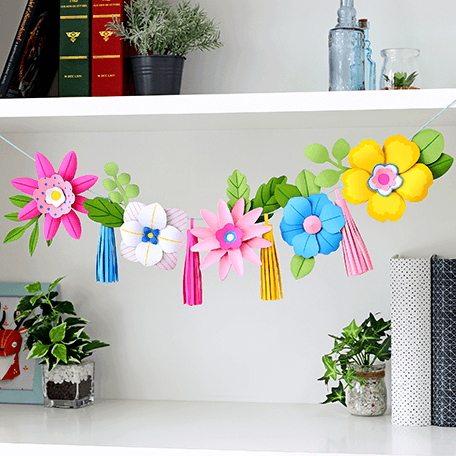
Create Photogenic Displays
Transform your scene into a photogenic marvel with colorful photo styling sheets.
Make your photos look like they belong in a magazine, and share them on your favorite social media site.
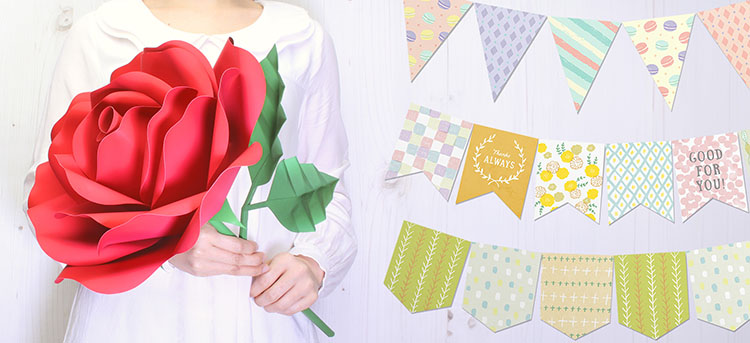
-
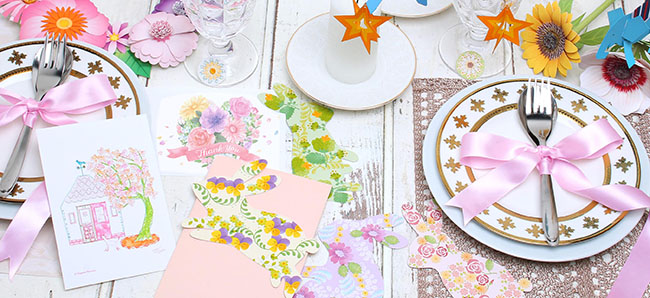 Wide selection of free designs for you to print at home!
-
Choose the photo styling sheet for the perfect photogenic shot!
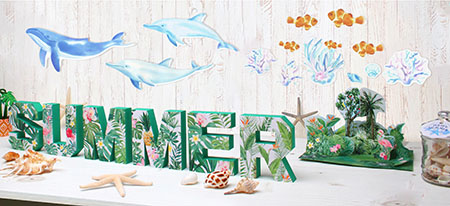
-
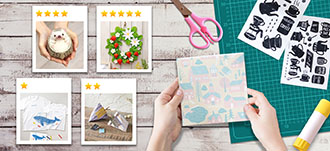 Upload your photos to social media and share with all your friends!
Items Required (Materials, Tools)
 Canon PRINT smartphone app
- Paper (each content has a recommended size)
 Procedure
-
STEP
1Start
Canon PRINT.Download Canon PRINT from here.
iOS/iPadOS

Android/Chrome OS

-
STEP
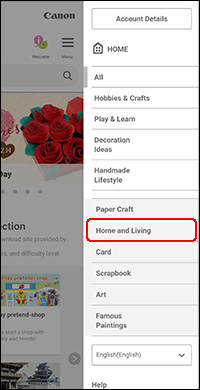
2Open the CREATIVE PARK website.
-
STEP
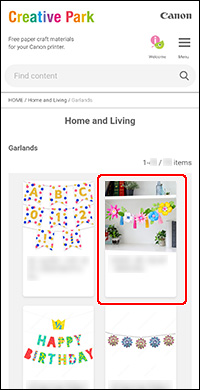
3Select your content
-
-
STEP
4Print.
To print, Canon PRINT is required. Depending on the region and model, you may need to sign up for Canon ID (free of charge).

 Tips
Tips
- For parts that require assembly, cut out the parts, apply glue, and follow the assembly instructions.
 Complete!