Add Paper Information to Your Printer
Media Configuration Tool is software for managing the paper information on your printer. Add new paper information to your printer by downloading the paper information file from the Internet when paper supported by the printer is newly added.
Reikmenys (medžiagos, įrankiai)
 Media Configuration Tool application
 Procedūra
-
ŽINGSNIS
1Start
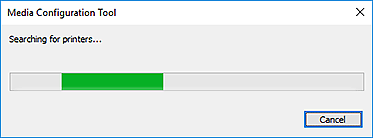
 Media Configuration Tool Add Paper.
Atsisiųsti Media Configuration Tool
-
ŽINGSNIS
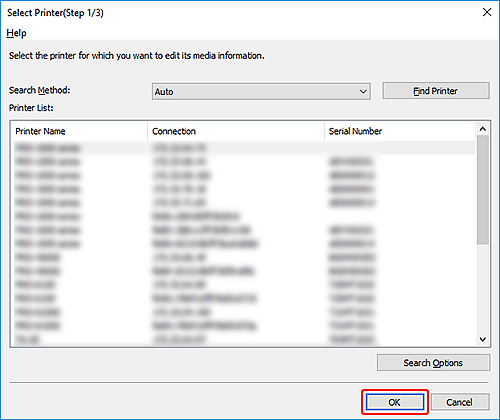
2Select the printer for which you want to update paper information.
Note: Descriptions are based on Windows. The screens vary depending on your operating system.
-
ŽINGSNIS
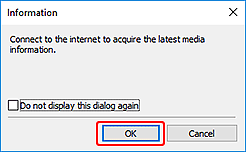
3Connect to the Internet, and then download the latest paper information.
-
-
ŽINGSNIS
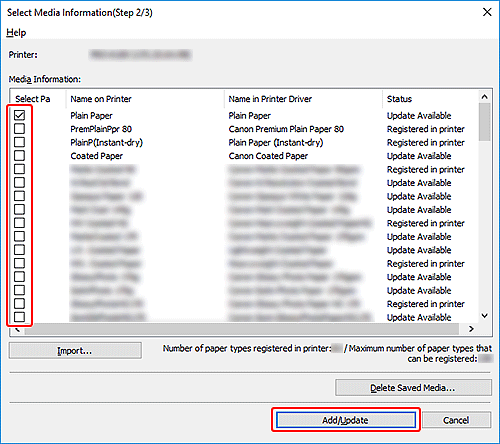
4Select the type(s) of paper you want to add.
-
-
ŽINGSNIS
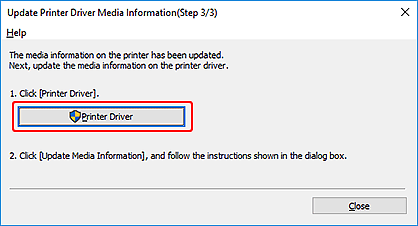
5Update the printer driver's paper information.
-
 Patarimai
- If multiple printer drivers exist, specify the target driver in the displayed screen.