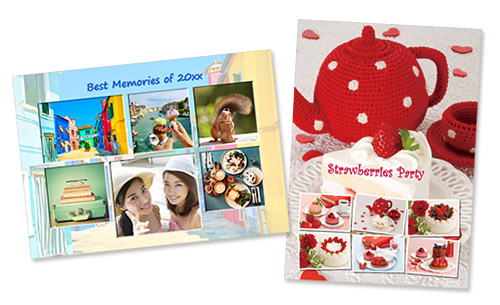
Edit, Create, and Print from Your Smartphone
Use Easy-PhotoPrint Editor to edit your photos or create collages, cards, and other personalized items. These can also make great gifts for family and friends.
 Recommended Use
- Add text and stamps to your favorite photos.
- Create and print collages using photos from a special occasion. Perfect for sending to family living far away.
- Kids love photo stickers! Print them out to share with friends.
-
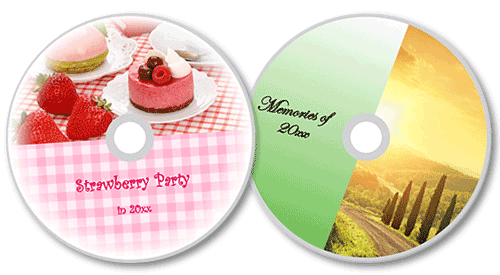
Disc labels
-
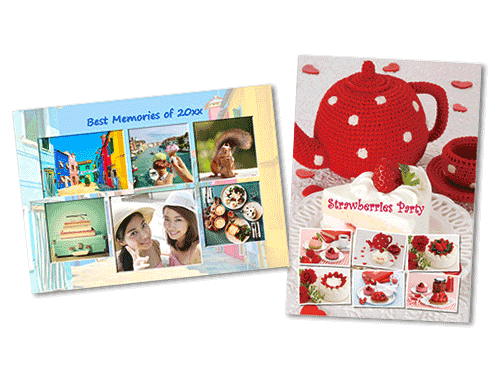
Photo layouts
-
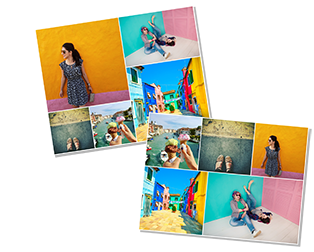
Shuffle layout
-
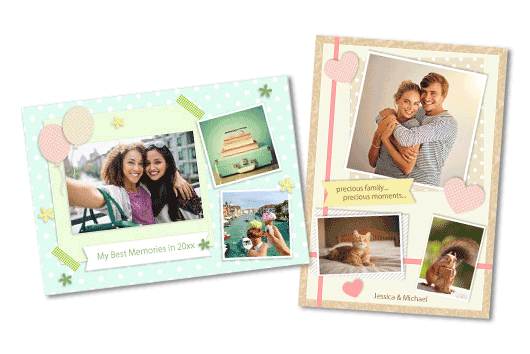
Collages
-
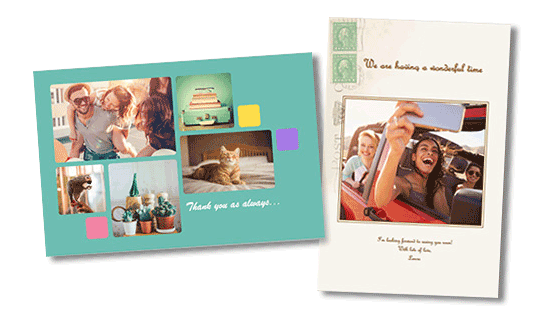
Cards
-

Posters
-

Business cards
-
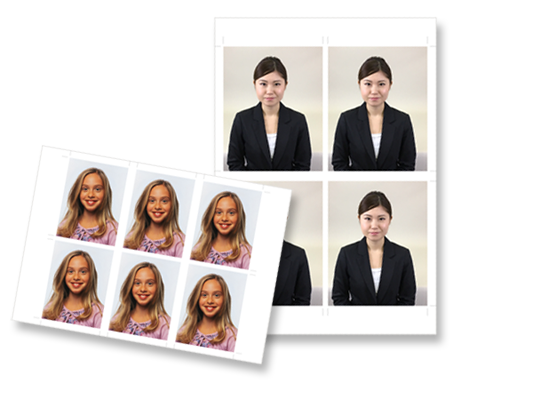
ID photos
-
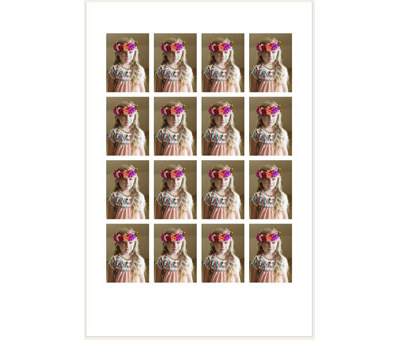
Stickers
-
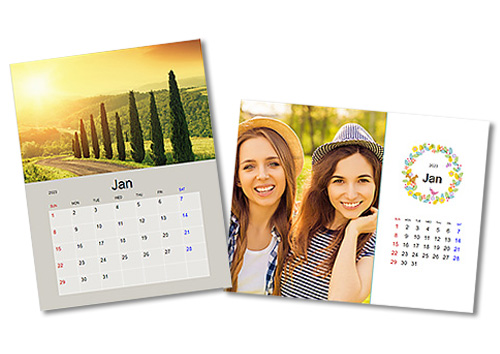
Calendars
-
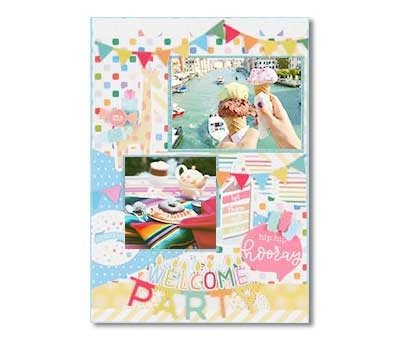
Scrapbook
-

Text and stamps
Items Required (Materials, Tools)
 Easy-PhotoPrint Editor smartphone app
- Inkjet paper
Not supported depending on your model.
The following uses Collages as an example.
 Procedure
-
STEP
1Start
Easy-PhotoPrint Editor and select Collages.Download Easy-PhotoPrint Editor
-
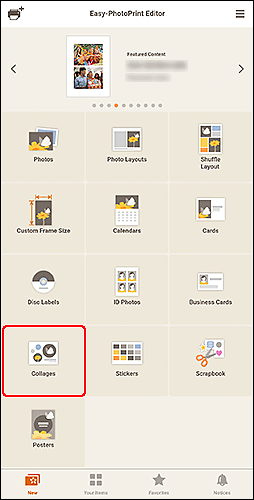
Tap!
-
-
STEP
2Choose a template and select your photos.
-
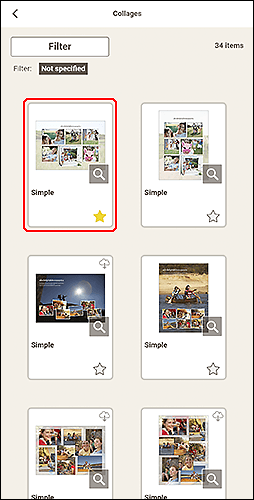
Tap!
-
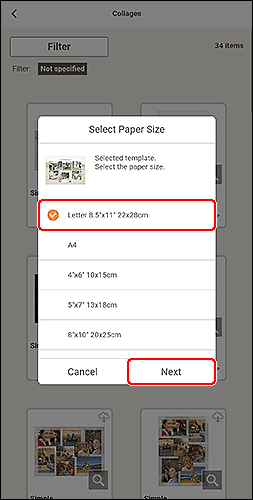
Tap!
-
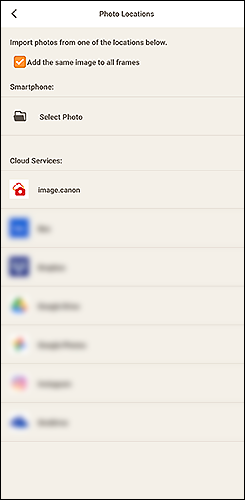
Select photos!
-
-
STEP
3Edit the design and change the layout as needed, and then print!
-
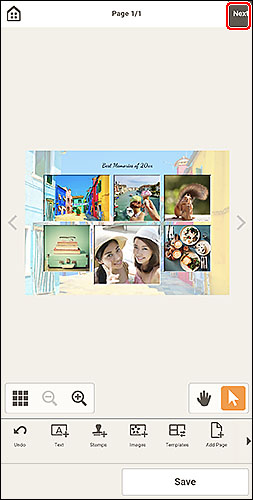
Decorate!
-
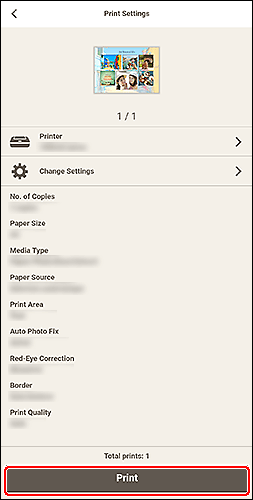
Tap!
-
 Tips
Tips
- You can add text boxes and stamps to items.
- To change the media type and other settings, tap Change Settings.
- To print by automatically laying out multiple selected images, use Shuffle Layout.
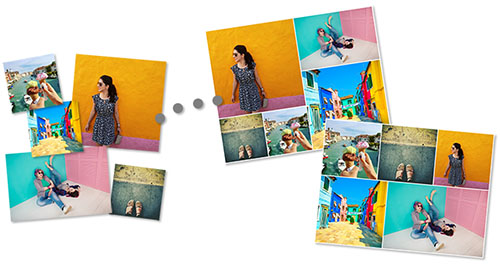
 Complete!