Checking the Ink Tank Model Number
You can check the ink tank model number from the printer or your computer.
Checking Using Touch Screen
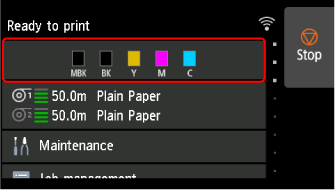
Select ink display area on HOME screen.
-
Select Ink model no..
 Note
Note- Select Order ink now to view the ink supplier information.
Checking Using Web Browser
-
Start up Remote UI.
-
Select Ink model number.
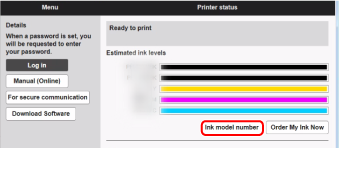
The screen may vary depending on the printer you are using.
Checking Using Canon IJ Status Monitor ( Windows )
-
Start up Canon IJ Status Monitor.
-
Select Estimated ink levels.
-
Select Ink Model Number information.
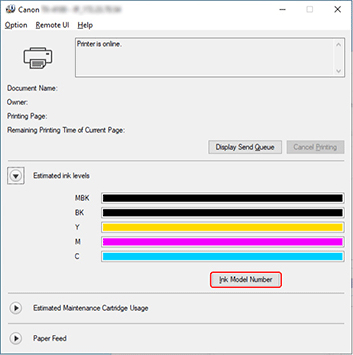
The screen may vary depending on the printer you are using.
Note
- For instructions on replacing the ink tanks, see Replacing Ink Tanks.
