Resolving Print Quality Problems

If the print results are unsatisfactory due to white or black streaks, misaligned/distorted lines, or uneven colors, check the paper and print quality settings first.
-
Check 1 Make sure print settings match purpose of printing.
From
 (Setup) on HOME screen, select Device settings > Print settings and check the following settings.
-
ON is selected for Save black ink.
-
A setting other than All ink tanks is selected for Force ink tank selection.
-
Text only is selected for Print target for plain paper.
When any of the above settings are applied, change the setting as follows.
-
Set Save black ink to OFF.
-
Set Force ink tank selection to All ink tanks.
-
Set Print target for plain paper to Text and photos.
-
-
Check 2 Do page size and media type settings match size and type of loaded paper?
If these settings do not match, it is not possible to obtain the proper result.
If you are printing a photograph or an illustration, an incorrect paper type setting may reduce the quality of the printout color.
Also, if you print with an incorrect paper type setting, the printed surface may be scratched.
The method for checking the paper and print quality settings differs depending on your printer.
-
Printing from your computer
Check the settings using the Printer Driver.
-
Printing from your smartphone/tablet using

Check the settings on the App.
-
-
Check 3 Make sure appropriate print quality is selected.
Select a print quality suited to the paper and to what you are printing. If you notice blurs or uneven colors, increase the print quality setting and retry the printing.
-
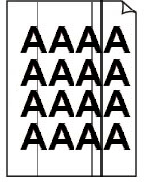
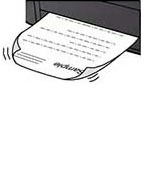
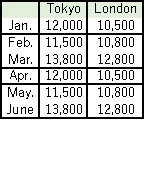
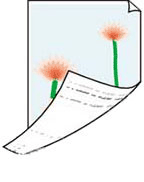
Check 3 If problem is not resolved, click on illustration that corresponds to problem.
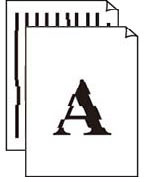 Lines Are Misaligned/Distorted
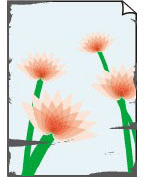 Paper Is Smudged/Printed Surface Is Scratched