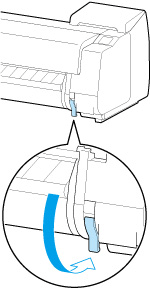
Removing Sheets
Remove sheets from the printer as follows.
-
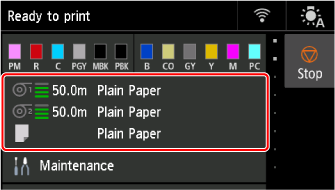
Select the paper setting display area on Home screen.
-
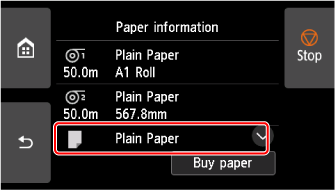
Select the Manual area.
-
Select Remove paper.
-
Check the contents of the message and select Yes.
-
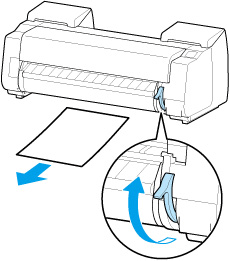
When instructions for removing sheet appear on touch screen, lift release lever while holding sheet, and remove sheet.
-
Lower release lever.