
Changing Settings from Operation Panel
This section describes the procedure for changing the settings, taking the steps to specify Print head movable width setting as an example.
-
Flick HOME screen and tap
 Device settings.
 -
Tap setting item to adjust.
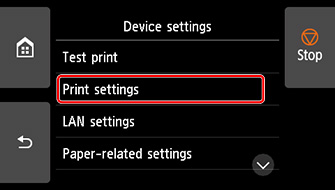
The setting screen for the selected item appears.
-
Tap setting item.
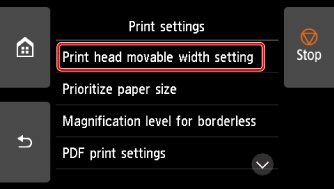
-
Tap setting to specify.
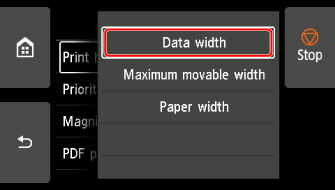
For more on setting items on the operation panel:
