WPS (PIN Code) Connection
-
Select Other connection types.
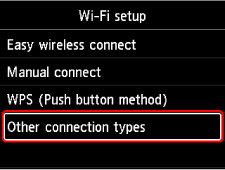
-
Select WPS (PIN code method).
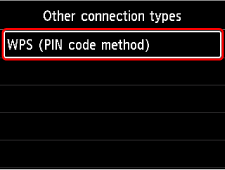
-
Follow the on-screen instructions on a computer to set a PIN code on the wireless router.
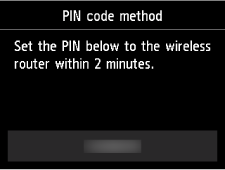
-
When the screen on the below appears, press the OK button.
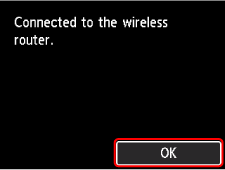
-
Press the HOME button.
The network connection setup is now complete.
Once connection is complete,
 appears on the screen.
If performing setup with software, return to the software and proceed with the installation.
If performing setup without using computer, smartphone, etc.
-
Download and install software.
- After installing the software, start the software, and then follow the on-screen instructions to proceed with setup.
If performing setup using computer, smartphone, etc.
Windows

- In the taskbar, click the application software you have been using for setup, and then follow the on-screen instructions to proceed with setup.
macOS
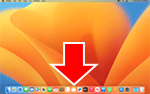
- Click
 in the Dock, and then follow the on-screen instructions to proceed with setup.
 Smartphone/tablet/Chromebook
- Return to the app you have been using for setup on the smartphone, and then follow the on-screen instructions to proceed with setup.
