
Faxing
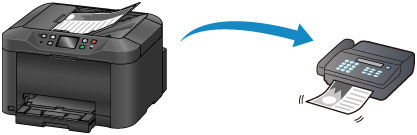
Fax multiple documents in black and white as follows.
-
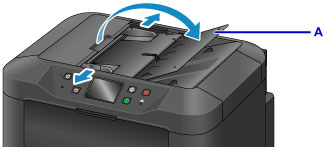
Open the document tray (A).
-
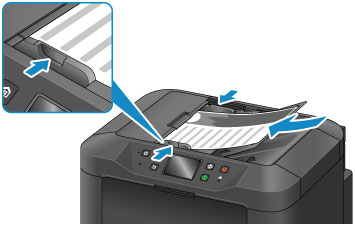
Insert the documents face-UP.
-
Adjust the document guides as needed.
-
Press the HOME button (B).
-
Tap
 FAX (C).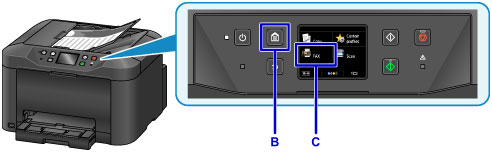
-
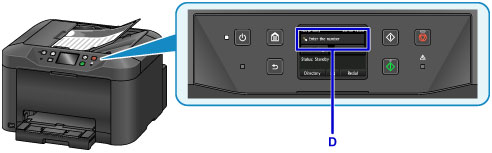
Tap Enter the number (D).
-
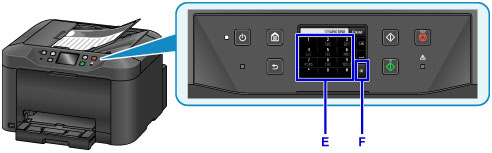
Tap in the fax number (E), and then tap OK (F).
-
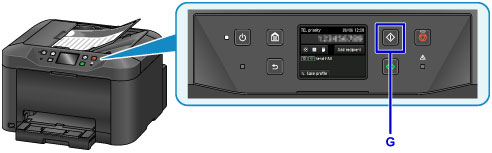
Press the Black button (G).
 Note
Note
-
Many other convenient faxing features are available.
