
Deleting Registered Information
To delete information registered for recipient and group e-mail, follow the procedure below.
-
Select
 Scan on HOME screen.
The screen for selecting to which you save the data is displayed.
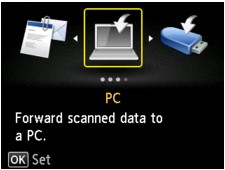
-
Select
 Attach to E-mail and press OK button.
 -
Select
 E-mail directly from device and press OK button.
 -
Select Edit e-mail address book and press OK button.
-
Select Display e-mail address book and press OK button.
-
Use


 button or Numeric buttons to select recipient or group dial to change and press OK button.
 -
Select Delete and press OK button.
-
Select Yes and press OK button.
