
Checking the State of the Printer Using an Application
You can use an application to check the errors or configuration of the printer.
You can also use AI chat to check the detailed state of the printer.
Checking the State of the Printer Using AI Chat
You can ask questions in AI chat to check the detailed state of the printer.
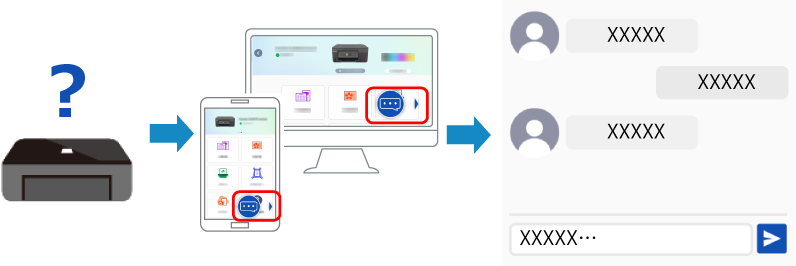
-
Start
 Canon PRINT.
* Before downloading and starting the application, check the conditions for using AI chat indicated in step 2.
-
Windows

-
macOS
-
iOS/iPadOS

-
Android/ChromeOS

-
-
Follow the instructions on the screen of the application to register the required information.
 Important
-
To use the AI chat, all of the following conditions must be met.
-
You have agreed to the Canon PRINT License Agreement send information that is necessary to use the above service.
-
You are registered with Canon Printer Linkage Service.
-
If you use a printer with replaceable ink tanks or ink cartridges, Canon genuine ink is used, and the ink remaining level detection function is enabled.
-
Checking the State of the Printer without Using AI Chat
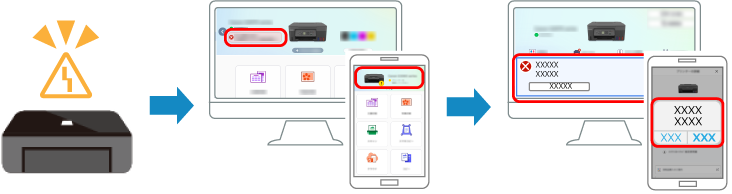
When an error occurs in the printer, you can open notifications in the application to check the state of the printer.
-
Download
Canon PRINT. -
Check the state of the printer by opening the application status screen or notifications.
 Note
Note
-
If the printer is connected via USB, check the error and how to resolve it on a computer or the printer itself.
-
If you cannot resolve the error based on the error number, see the FAQ.
