Template Details Screen (Select Template)
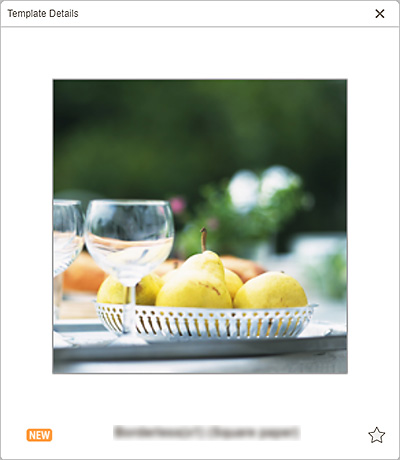
You can preview a template and its type, and then save it as a favorite.
In the Select template screen, click  (Details) to display the Template Details screen.

 (Unlabeled/Favorite)
-
Click
(Unlabeled) to turn it to (Favorite); the template is saved as a favorite. Saved templates can be browsed in the Favorites screen and can also be used to start creating items.To remove from favorites, click
(Favorite) to turn it to (Unlabeled).
