Add Printers
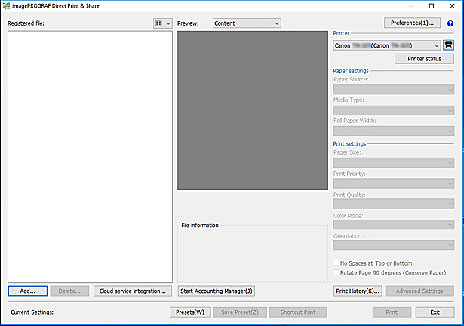
Printers used with Direct Print & Share are added to the Printer pull-down menu.
Follow the procedure below to add printers to the Printer pull-down menu.
-
Click the
 button on the main screen.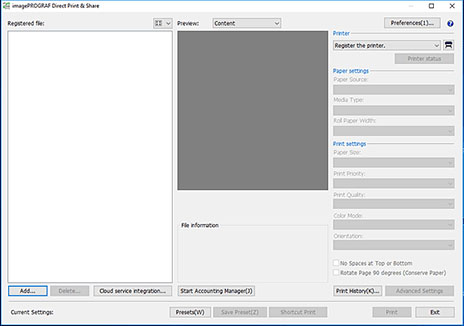
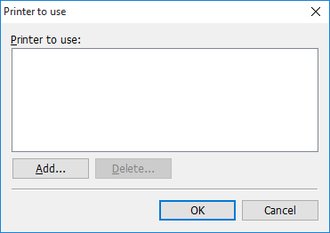
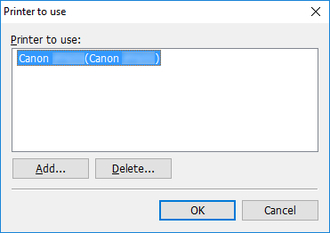
The Printer to use dialog box will open.
-
Click Add....
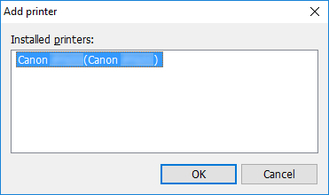
The Add printer dialog box will open.
-
Select the printer you want to add from Installed printers, and then click OK.
 Note
Note-
Printer drivers installed in the PC you are using are displayed in Installed printers. If you want to add printers to Installed printers, install the printer driver of the printer you want to use to the PC you are using.
-
-
Confirm that the printer you selected is added to the Printer to use dialog box, and then click OK.
The printer will be added to the Printer pull-down menu.