
Save As Dialog Box
This dialog box allows you to configure the name and save destination of the icon for executing shortcut printing.
If PDF, JPEG, or TIFF is selected, or if the icon for printing in the printer driver or HP-GL/2 is selected, an icon that prints in HP-GL/2 is created.
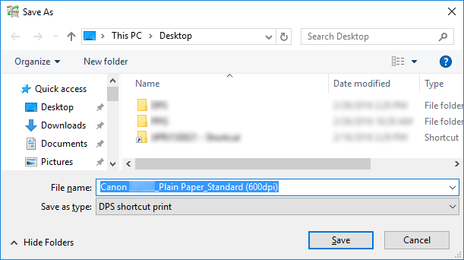
- File name
-
Specify the name of the icon for executing shortcut printing.
-
The default icon name is as follows.
-
"Friendly name"_"Media type"_"Print Quality"
If the file format is HP-GL/2, "Media type" is "GL2" instead of the media type.
 Important
-
Do not change the friendly name of a printer used for shortcut printing.
-
- Save button
-
The shortcut print icon is created in the specified folder.
