
Add Files That You Want to Print
Files to be printed must be registered to the Registered file list on the main screen.
Note that you can print files without registering them by printing from the shortcut print icon.
 Note
Note
-
In the same way, if you want to upload files to cloud storage, you first need to register them to the Registered file list.
Add files you want to print by dropping them onto main screen
-
Drop files you want to print onto main screen.
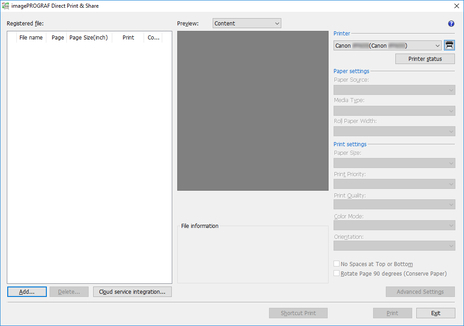
The file will be added to the Registered file list.
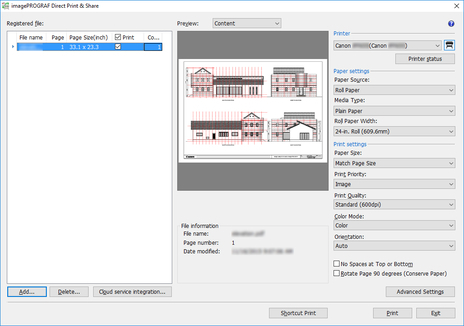
Add files with Add button on main screen
-
Click the Add button.
-
Select a file and click the Open button.
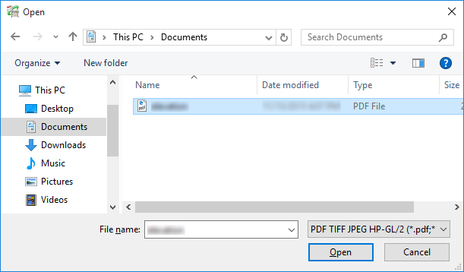
The file will be added to the Registered file list.
