
Check Operation Status Dialog Box
You can check the operation status of the color calibrations that are performed at scheduled intervals.
To open the Check Operation Status dialog box, select Check Operation Status from the Tools menu.
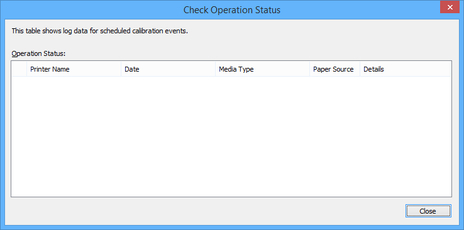
- Printer Name
-
The printer name appears.
- Date
-
The date and time that the color calibration operation occurred will appear.
- Media Type
-
The media type used for the color calibration will appear.
- Paper Source
-
The paper sources from which the color calibration was performed will appear.
- Details
-
The color calibration operation status will appear. Messages such as "no paper loaded" and "the printer is in use" may also appear.
 Note
Note
-
You can copy the operation status to the Clipboard.
