Printing
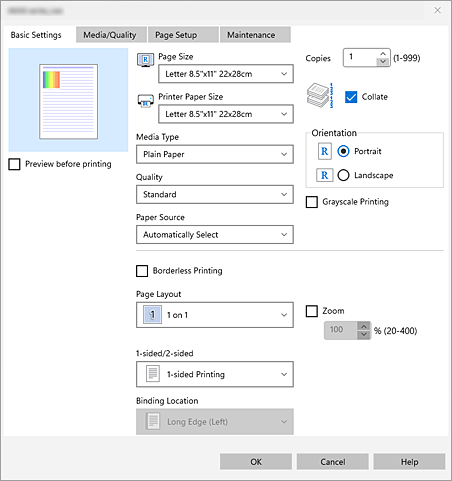
In the Basic Settings tab, you can print in various ways according to your purpose.
Selecting paper size, media type, and print quality
Set Paper
- Refer to your printer's online manual to load the paper into the appropriate feed position based on the type of paper you are using.
Click OK to start printing
 Note
Note
Note
- If the paper settings in the Canon Print Assistant differ from the paper information registered on the printer, an error message may appear on the printer's operation panel. You can continue printing with the mismatched settings, but the output may not be as expected.
