Getting Acquainted
-
Printing
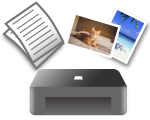 Print
Print
-
Copying
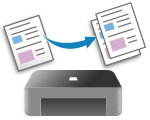 Copy
Copy
-
Scanning
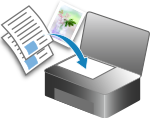 Scan
Scan
If the operating system is different from yours, select your operating system from the drop-down list.
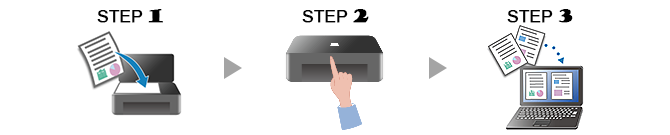
-
STEP

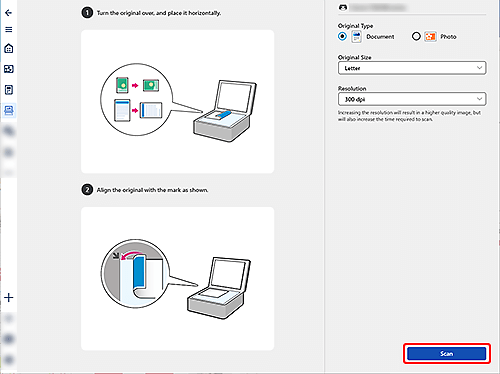
Place original.
-
STEP

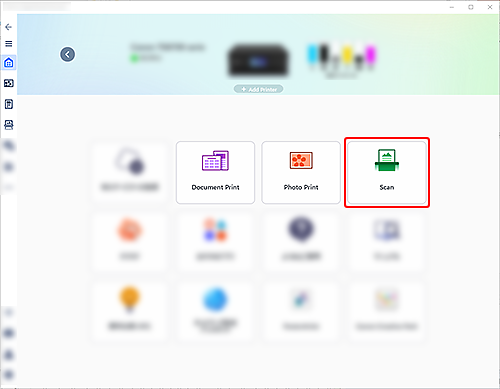
Start application.
Start
 Canon PRINT, and then select Scan.
 -
STEP

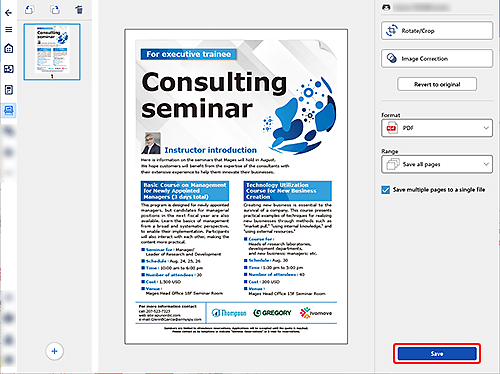
Scan.
Check the settings and scan.
Check the scan result and save.

-
Check out more scan functions.

Find out more about what your printer can do.
